Your terminal, in a
chat thread.
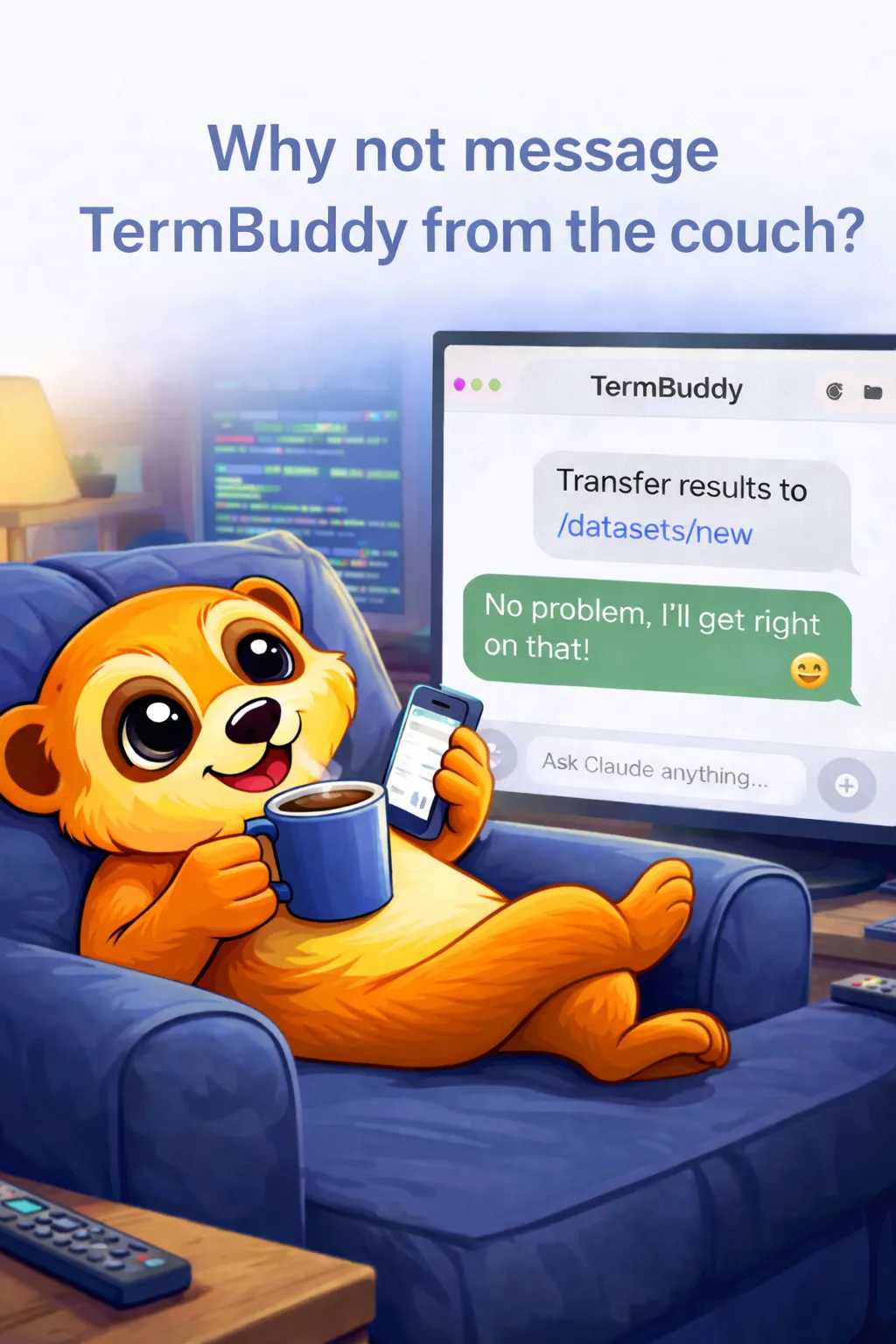
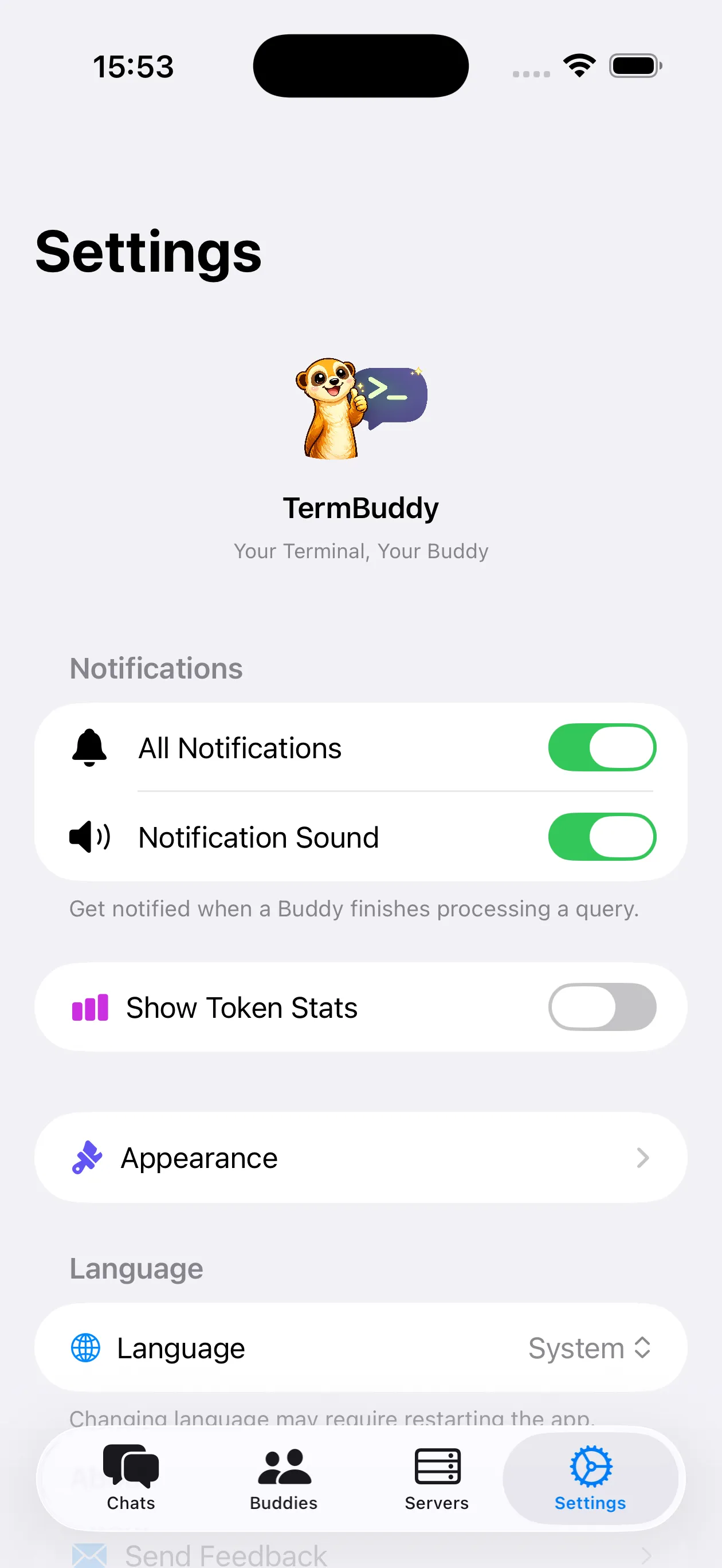
Manage remote servers from your iPhone, Mac or Apple Watch. Send commands like messages, watch output stream back as replies, and run Claude Code on your server from wherever you are.
 iPhone
  Mac
Mac 
Watch TermBuddy in Action
See how easy it is to manage your servers with TermBuddy.
Everything you need, nothing you don't.
Six things that make server work from a phone actually bearable.
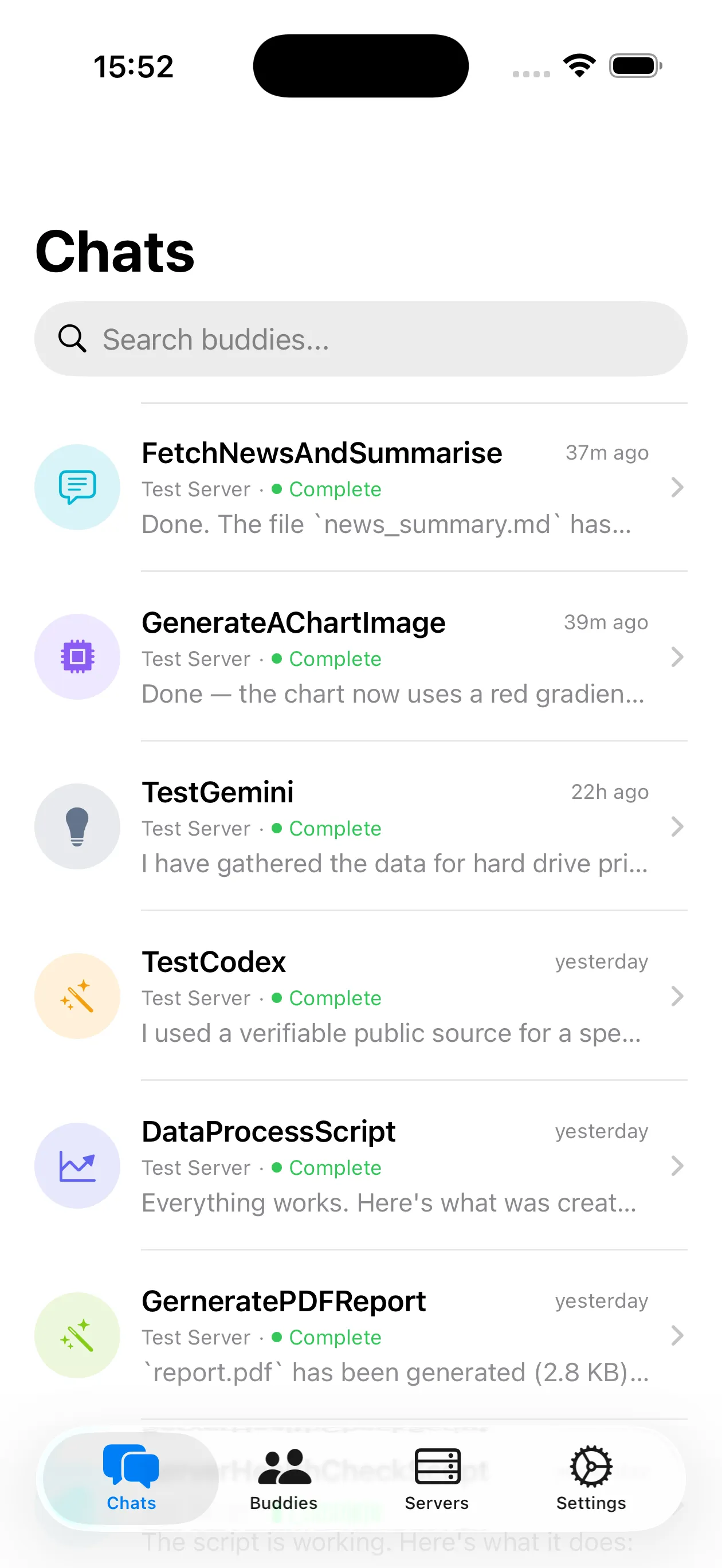
Chat-style interface
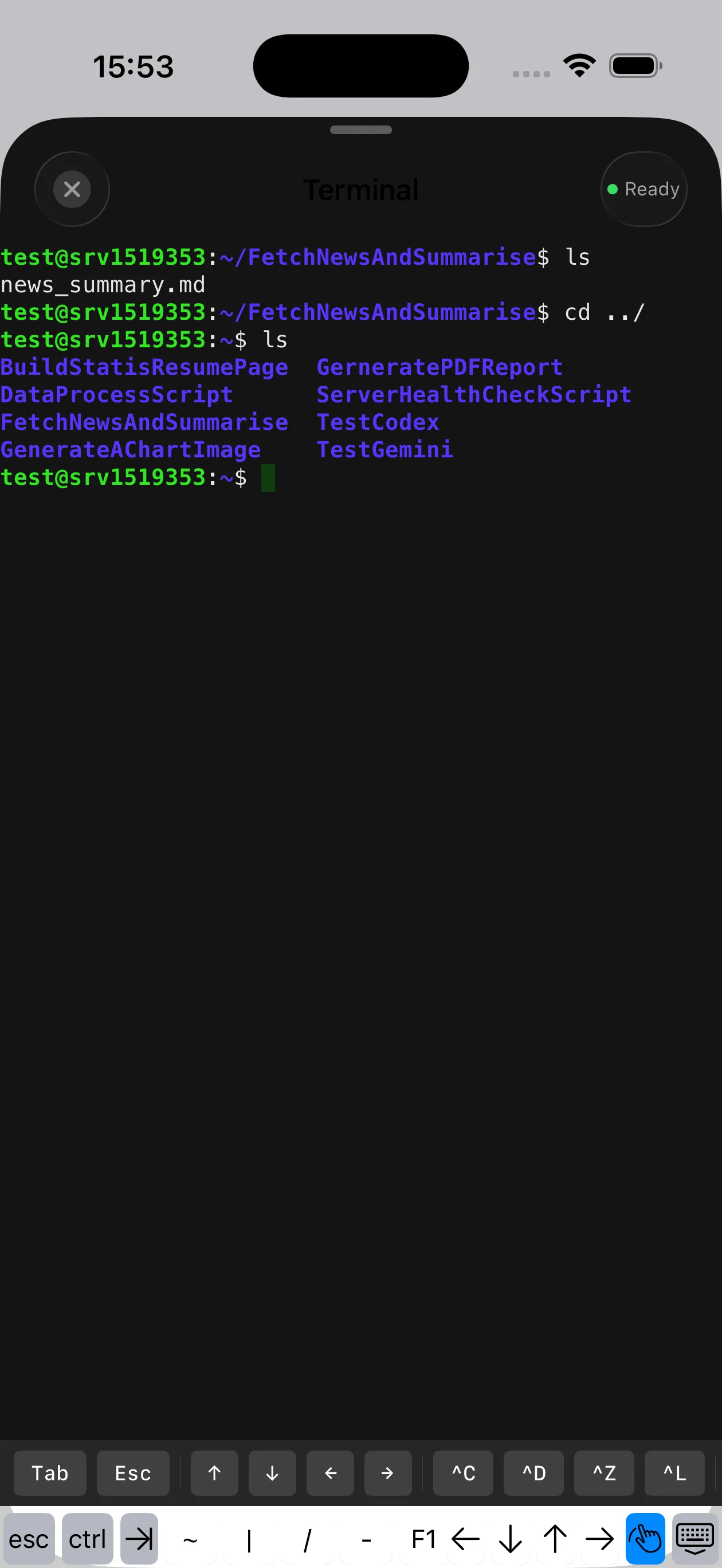
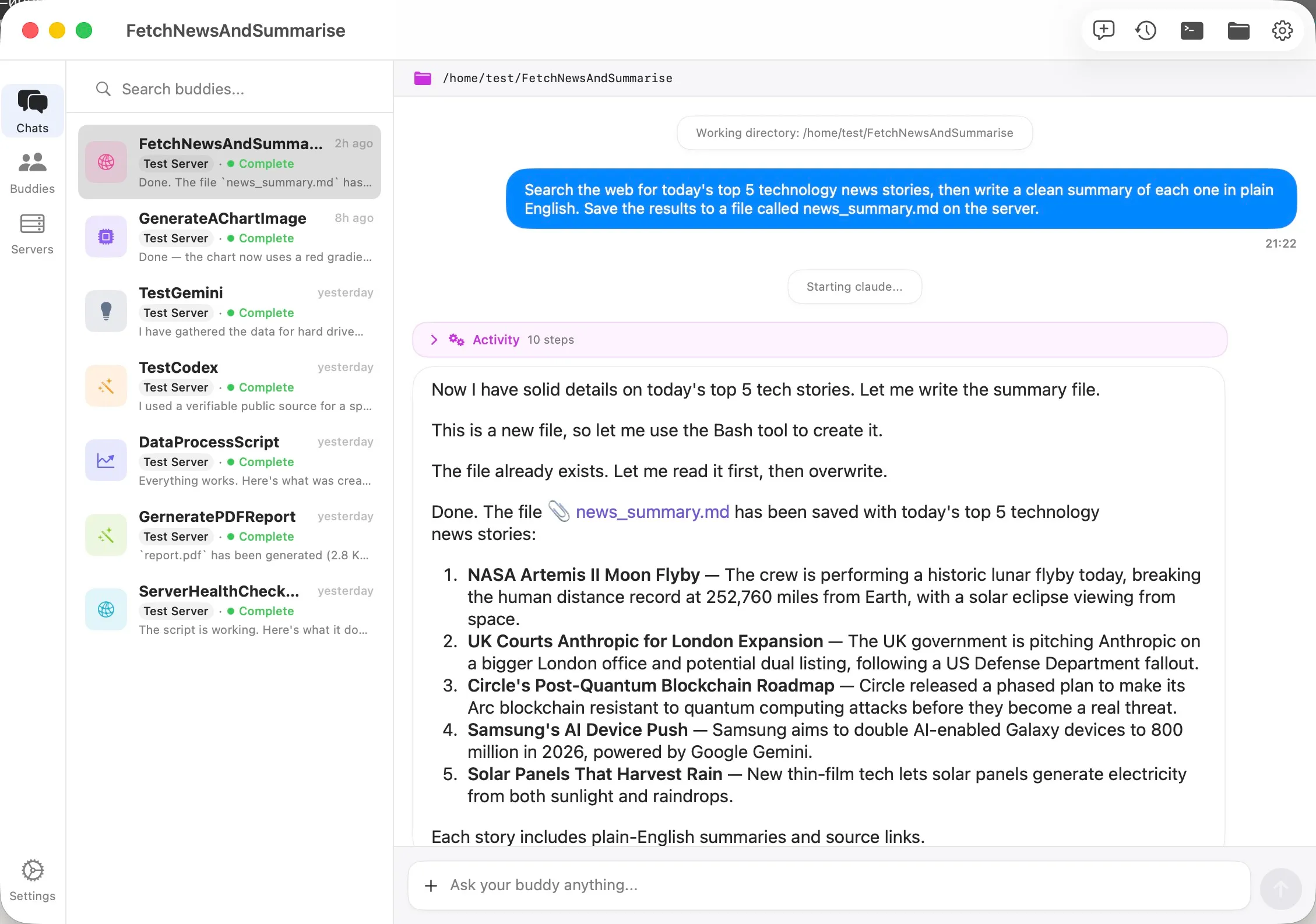
Send commands as messages, get output as reply bubbles. Managing a server feels like texting.
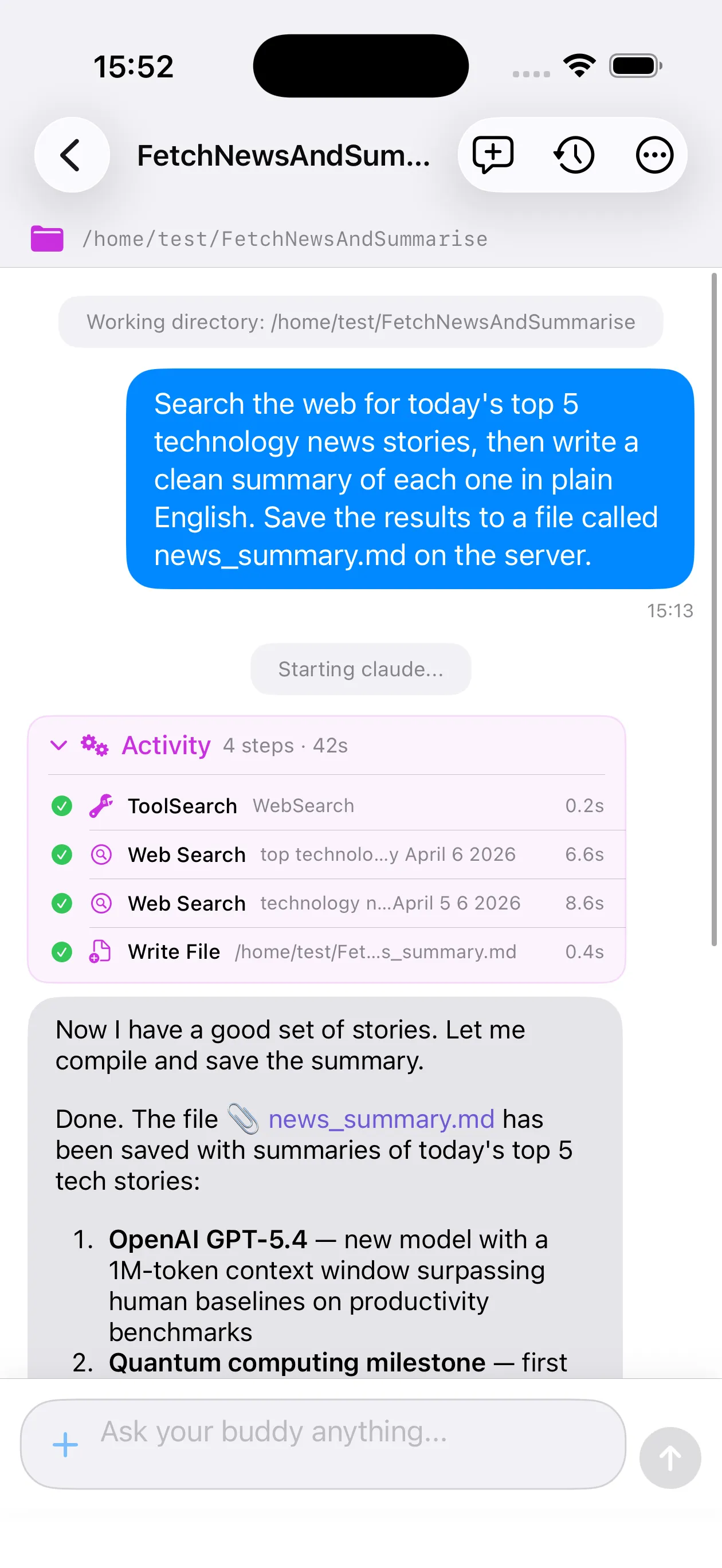
Claude Code in your pocket
Claude Code, Codex and Gemini CLI built in. Fire off a long task, watch the agent stream its work, answer its questions with a tap — and get a push when it's done.
Fully encrypted
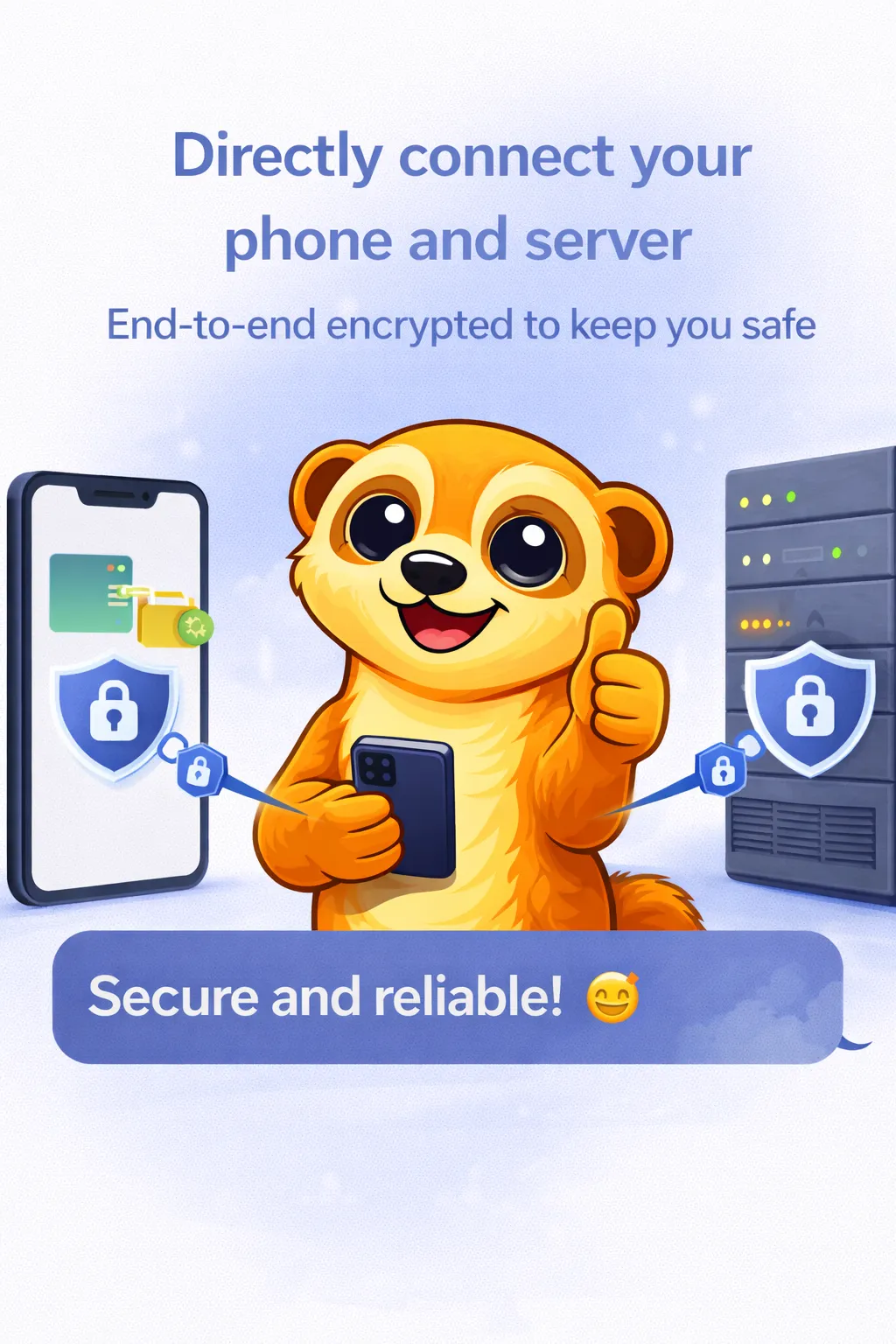
SSH tunnel, or TLS with certificate pinning. Direct to your server, with no third-party cloud and no middleman.
Real-time streaming
Live output over Server-Sent Events. Watch long commands execute as they happen, not on a poll timer.
Push notifications
Get pinged when a long-running command finishes or errors out. Rate-limited per session, so no spam.
File browser
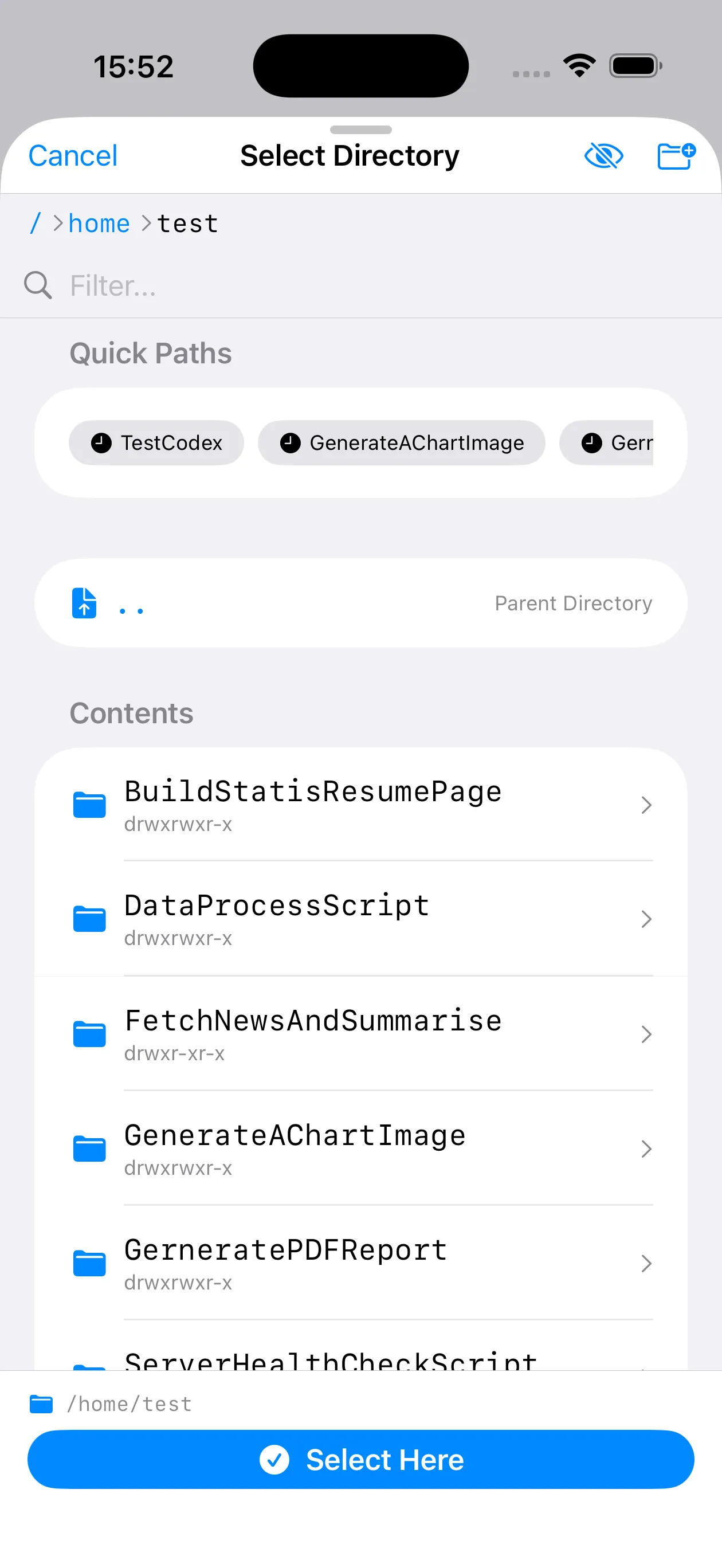
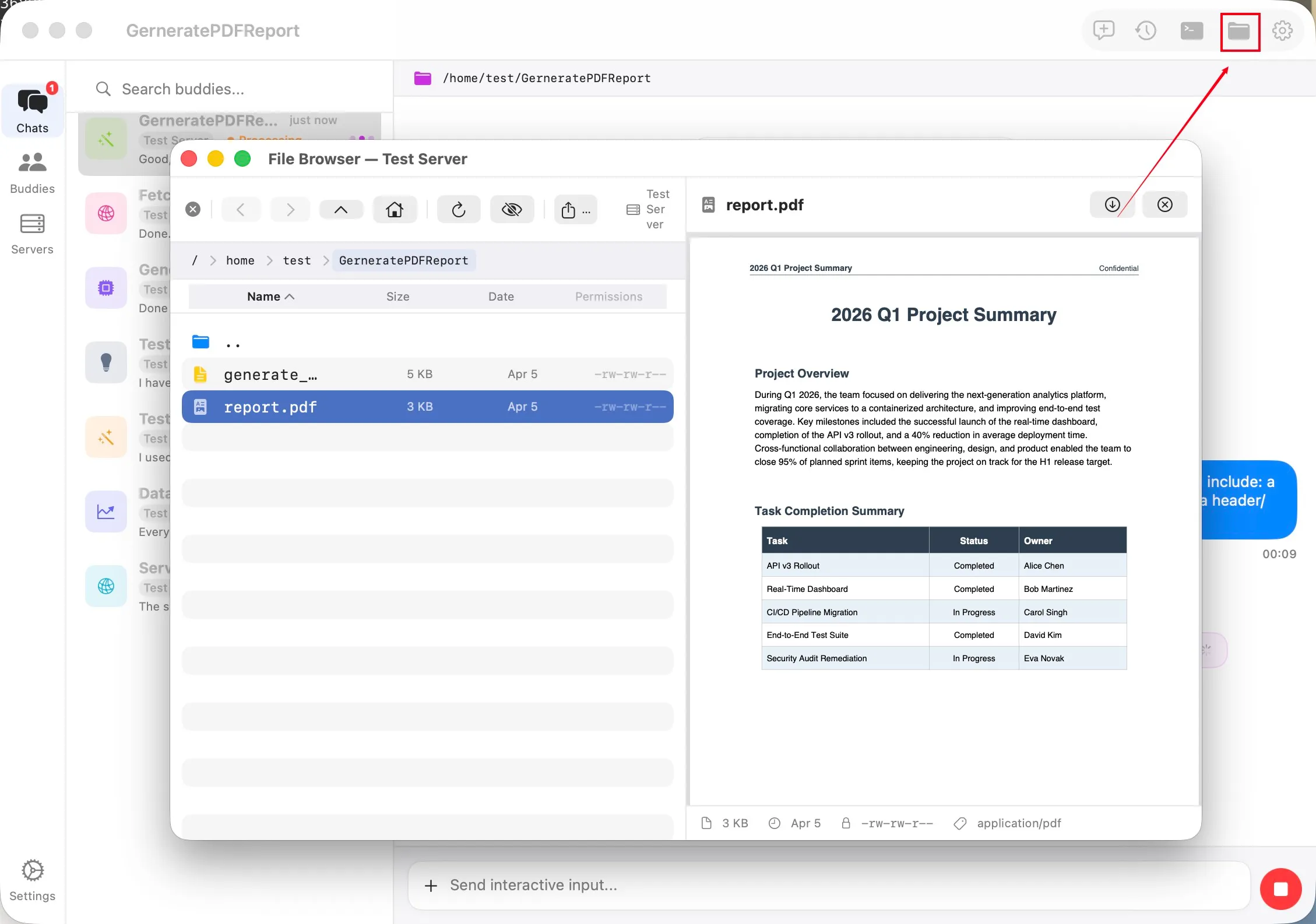
Browse, preview, upload and download without switching to a separate SFTP client.
Nothing new is exposed to the internet.
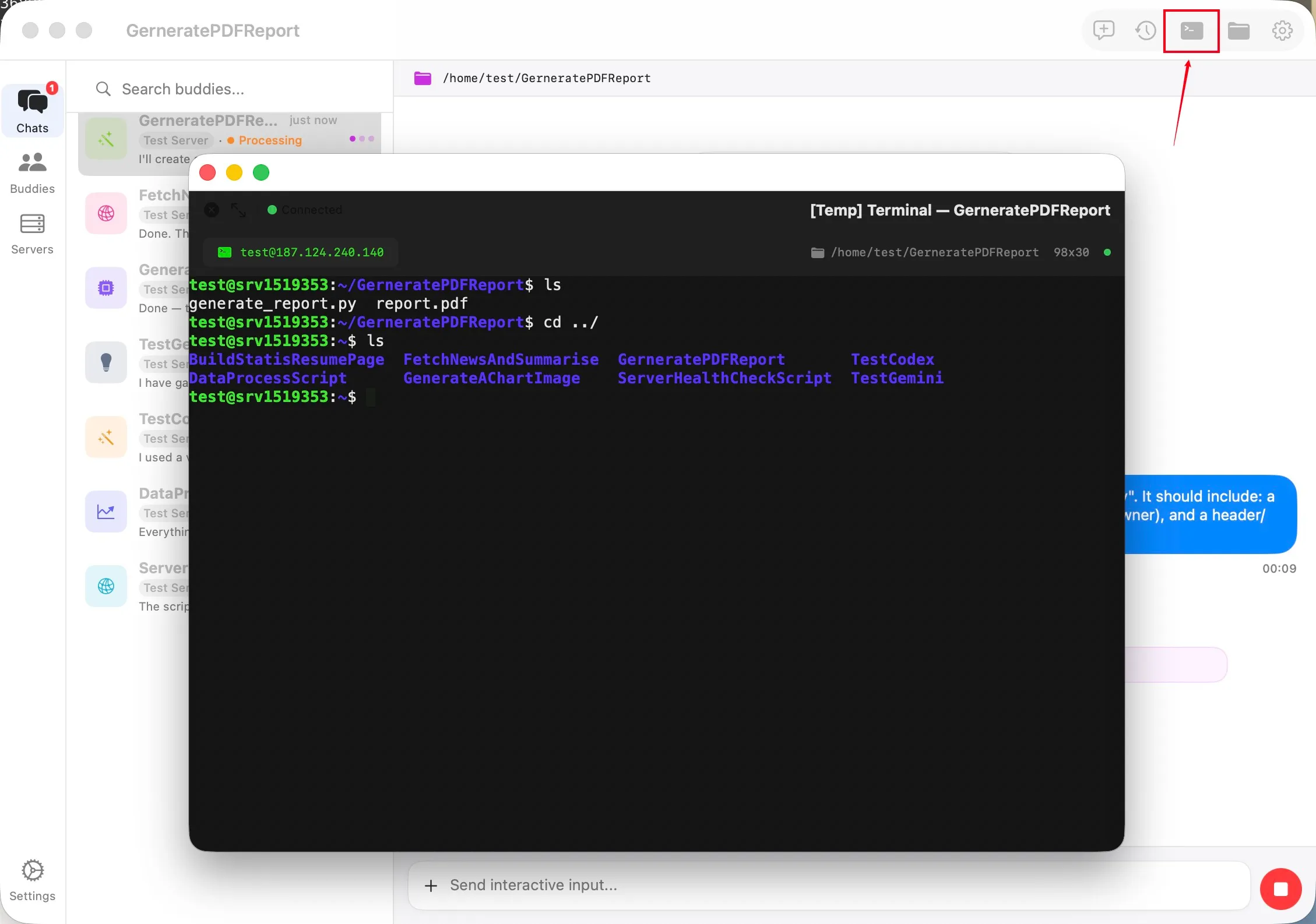
The TermBuddy daemon binds to 127.0.0.1 and never opens a port. Every request rides the SSH connection you already trust: the app runs curl against the loopback REST API inside the tunnel.
See it in action.

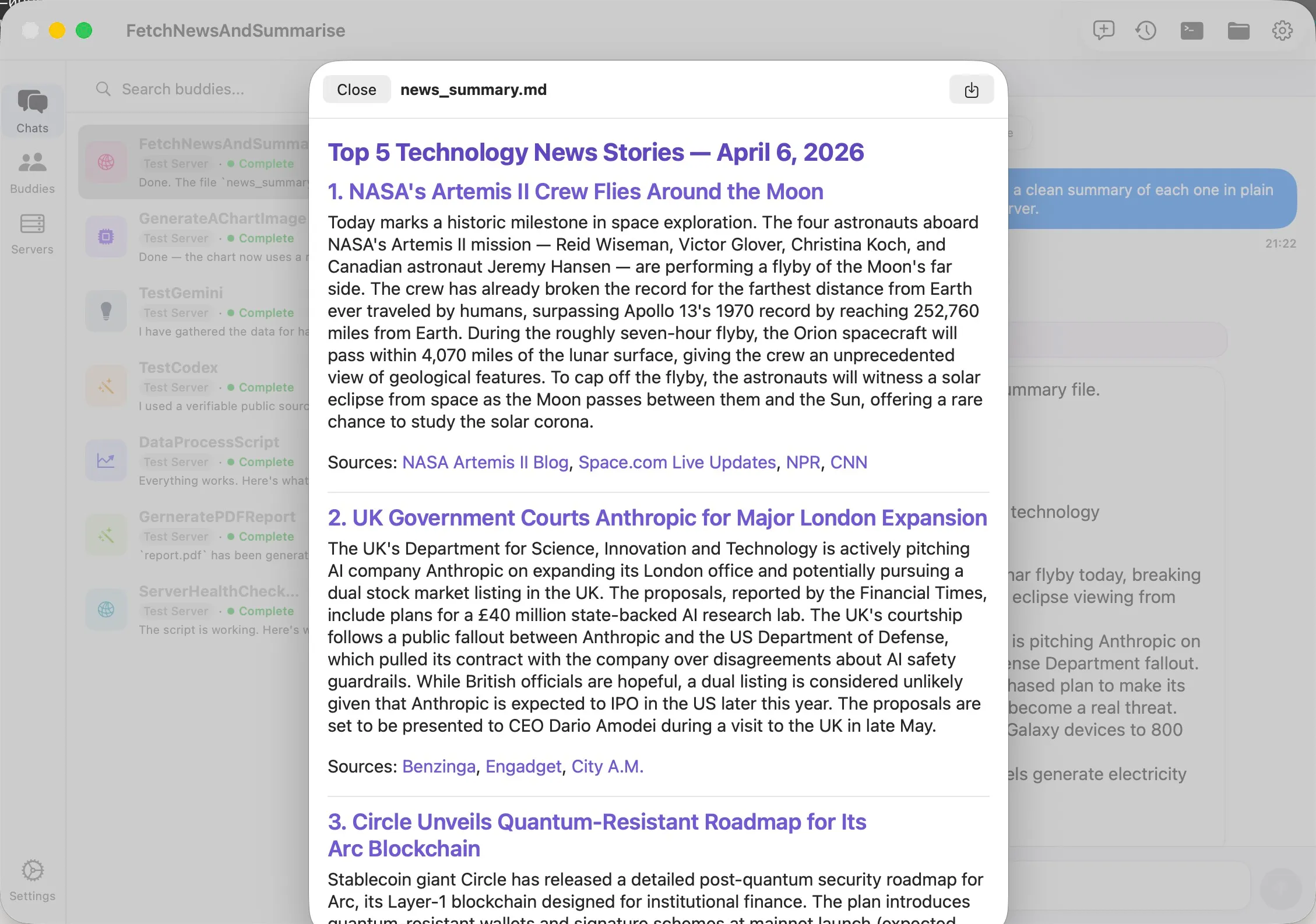
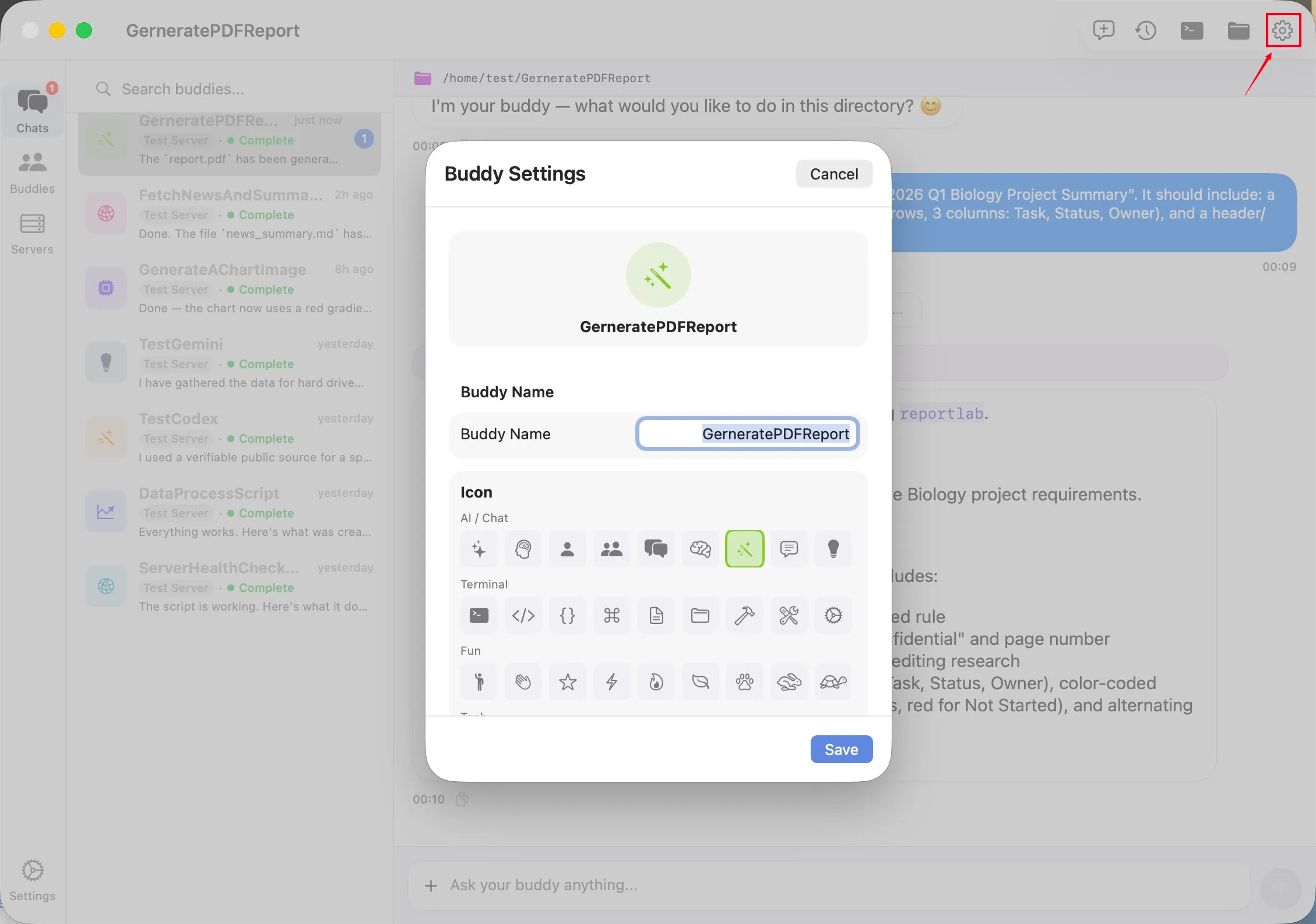
Up and running in four steps.
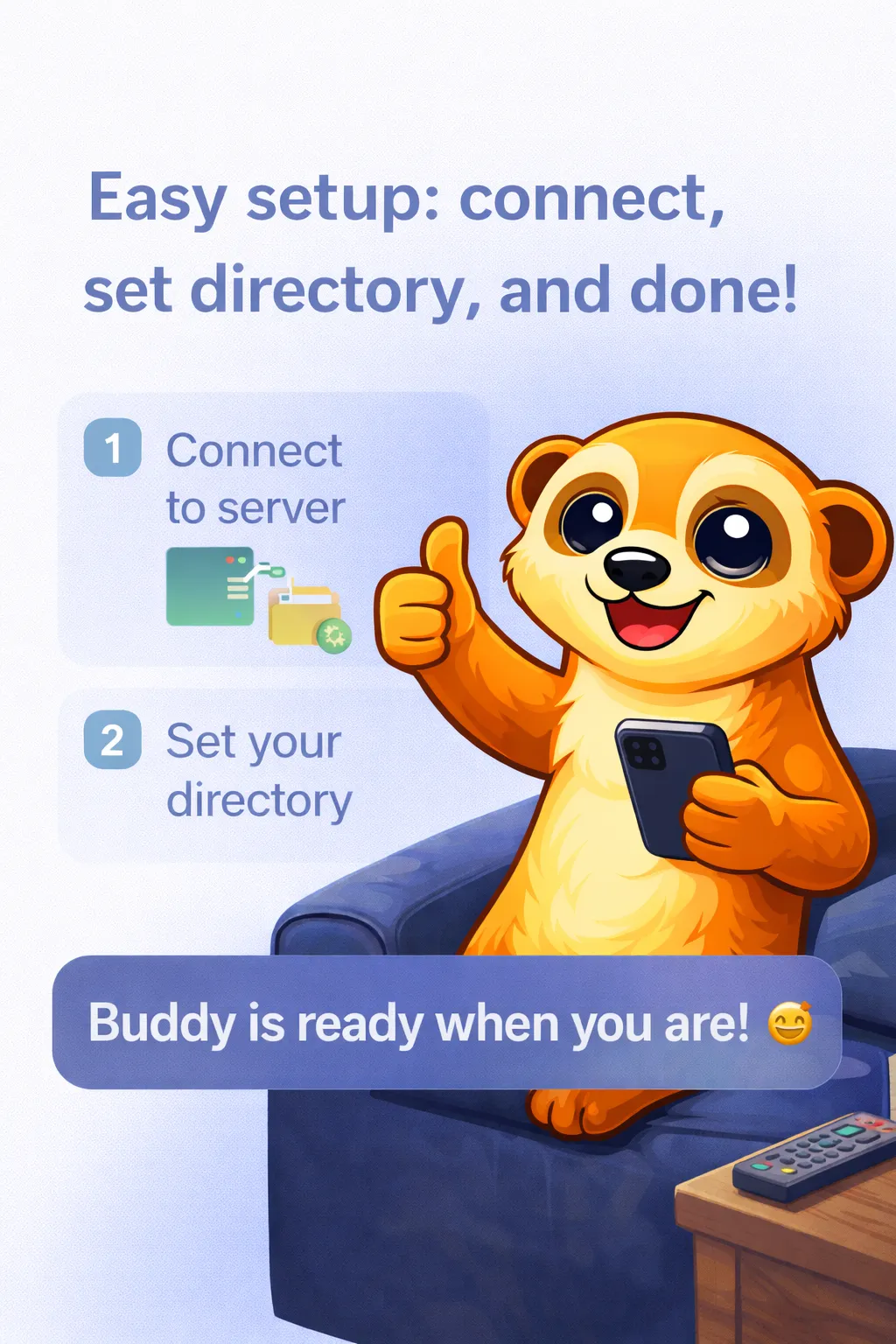
Add your server
Enter the IP address and SSH credentials. That's all TermBuddy needs.
Automatic install
The lightweight Go daemon installs itself, extracts a token and verifies startup. No SSH-ing in by hand.
Create your Buddies
One persistent session per job: monitoring, deployments, logs, an AI agent.
Chat away
Send commands, read results, ask AI for help. From the sofa, the cafe or the train.
Simple, honest pricing.
Start free with one server. Upgrade to Pro only when you need more.
Prices may vary by region and are shown in your local currency at checkout. The subscription is billed through your Apple ID and renews yearly unless cancelled at least 24 hours before the period ends.
Your data stays yours.
Always.
Questions, answered.
Do I need to install anything on my server?
TermBuddy does it for you. Enter your SSH credentials and the app installs a single lightweight Go binary into ~/.termbuddy over SSH, generates an access token and verifies the daemon started — no manual setup. The daemon binds to 127.0.0.1 only, and removing it is as simple as deleting one folder.
Where are my SSH keys and passwords stored?
In your device's system Keychain, protected by Secure Enclave hardware encryption. Credentials never leave your device and are never uploaded anywhere — TermBuddy has no account system and no server of its own that could ever see them.
Does my data pass through TermBuddy's servers?
No — there aren't any. Your device talks directly to your server over SSH (or TLS with certificate pinning in direct mode). Commands, output, files and AI conversations travel only between your device and your machine. Push notifications go from your own server straight to Apple's push service.
What do I need for the AI features?
An AI CLI on your server: Claude Code, Codex or Gemini CLI, with your own subscription or API key. TermBuddy drives the CLI over SSH and streams its output to your phone — it doesn't proxy, meter or bill your AI usage, and your prompts never touch our infrastructure.
Which servers are supported?
Any Linux server reachable over SSH (amd64 or arm64) — Ubuntu, Debian, Alpine and friends — plus macOS. The daemon auto-detects the available shell (bash, sh, zsh…), so minimal container images work too.
What happens when I close the app or lose signal?
Your tasks keep running — they live on the server, not on your phone. Everything produced while you were away is stored on the server and replayed when you reconnect, and the local cache shows your full history instantly even offline. Long tasks ping you with a push when they finish.
What's the difference between Free and Pro?
Free is fully featured for one server: unlimited Buddies, all three AI CLIs, file browser, push and real-time streaming. Pro (£9.99/year, 1 month free trial) removes the one-server limit so you can manage your whole fleet.
Does it work on Apple Watch?
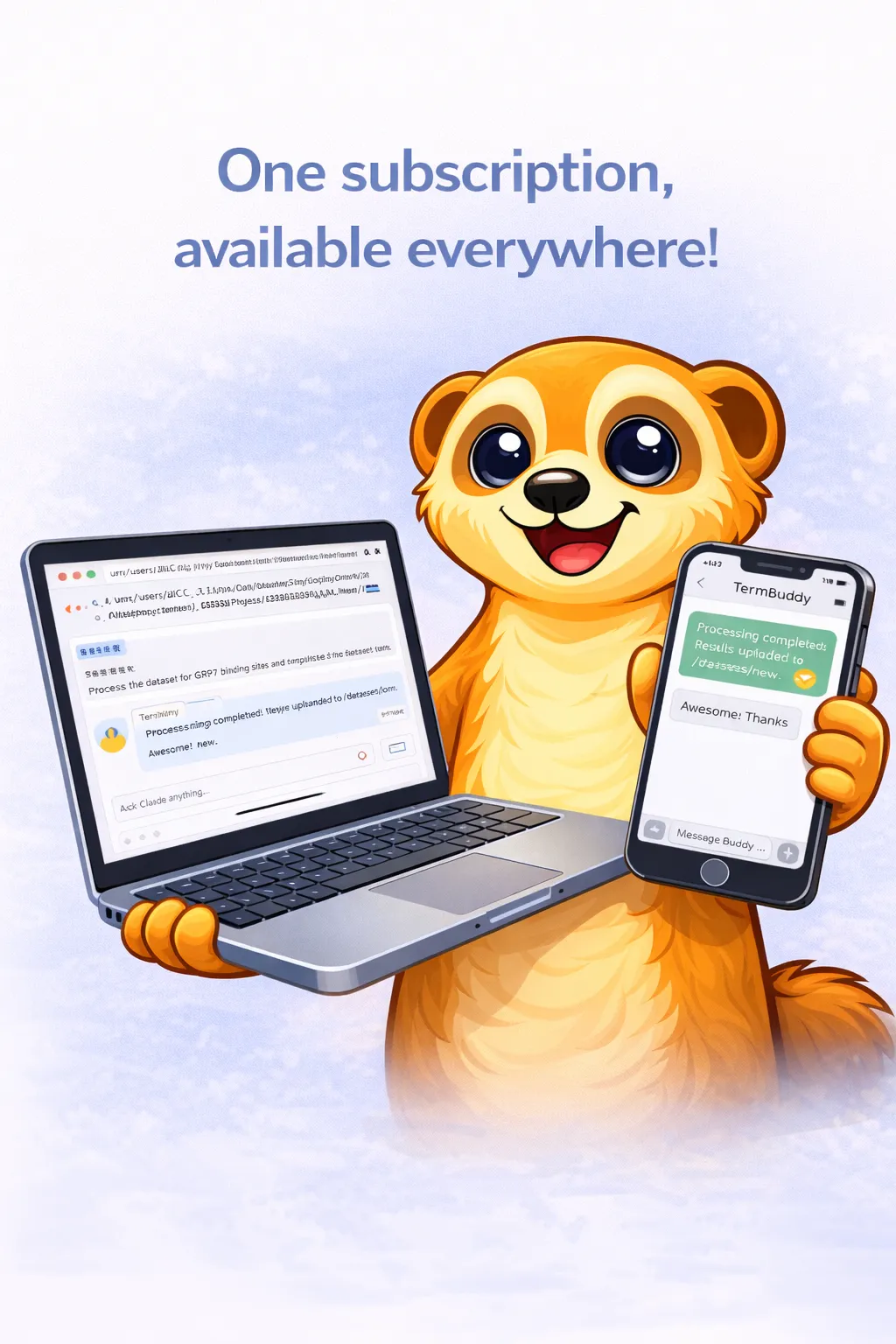
Yes. The watch app relays through your paired iPhone — glance at a running task from your wrist, read the latest replies and send follow-up messages without taking your phone out.
General questions, account issues, or anything else.
atlai@atlai.co.ukFound something that doesn't work right? We'll fix it fast.
Open an issue →Have an idea that would make TermBuddy better?
Suggest it →
Stop wrestling with terminals. Start chatting with them.
Download TermBuddy and give your servers the buddy they deserve.